Gear guides
Phone Battery in SHTF
When things go sideways, your phone stops being a distraction and becomes your most compact survival tool. It is your map, flashlight, radio, notebook, scann...
Quick answer
For phone battery in shtf, protect communication, light, refrigeration, and safe charging first. Use generators and batteries according to manufacturer instructions, and keep carbon-monoxide and fire risk in mind. The article's core idea is simple: When things go sideways, your phone stops being a distraction and becomes your most compact survival tool. It is your map, flashlight, radio, notebook, scanner, camera, two factor key, and emergency contact line. The pro…
When things go sideways, your phone stops being a distraction and becomes your most compact survival tool. It is your map, flashlight, radio, notebook, scanner, camera, two factor key, and emergency contact line. The problem is simple: in SHTF, you do not get infinite charging. Your battery is not a percentage. It is hours of capability, and you need to spend it like food.
This is not about tweaking settings for fun. It is about staying reachable, staying oriented, and staying calm for the next 72 hours.
If your goal is keeping phones useful through a real blackout, do not treat charging as a standalone task. Start with a practical power outage kit for home so lighting, phone charging, communications, water, and food access all support each other instead of competing for your last battery percentage.
Decide what your phone is for
Most people burn battery because they treat the phone like normal life. In SHTF, assign it a mission.
Use cases that justify battery spend are: navigation checks, emergency calls, critical messages, weather windows, storing notes and photos of damage or documents, and confirming trustworthy information. Everything else is optional.
A good rule is “check and act, then sleep the phone.” You wake it for a purpose, do the task, then put it back into low-power mode.
The big three battery killers
Your battery dies fastest from three things: screen time, radios, and signal hunting.
The screen is the obvious one. Make brightness low enough that you can still read, then stop touching it. If you need a light, use a headlamp or dedicated flashlight so you are not keeping a large screen glowing.
Radios means cellular, Wi Fi, Bluetooth, hotspot, and GPS. Each one is a power leak. Signal hunting is the silent killer: when coverage is weak or congested, the phone increases transmit power and keeps searching. That can drain a battery surprisingly fast even if you are not “using” the phone.
SHTF battery protocol for the first 72 hours
This protocol is designed for both bug in and bug out. It is practical, not perfect.
First, switch to Low Power Mode immediately. Do not wait until 20 percent. The earlier you do it, the more you save.
Second, manage radios like a prepper, not a consumer. If you are staying put, use Airplane Mode most of the time and schedule short “comms windows” to check messages and update family. If you need cellular, keep Wi Fi and Bluetooth off unless you are actively using them. If you need GPS, turn it on for the specific task, then turn it back off.
Third, stop background behavior. Disable app background refresh and push notifications for everything that is not critical. If your phone is constantly lighting up, you are bleeding power. Also close out battery hogs like social apps, video apps, and anything that auto plays.
Fourth, avoid heat and cold extremes. Cold reduces available battery and can cause sudden shutoffs. Heat accelerates battery drain and long term damage. Keep the phone close to your body in cold weather and out of direct sun in hot weather.
Fifth, reduce screen demand. Dark mode helps on OLED screens, but the real win is shortening screen on time and lowering brightness. Set auto lock to a short time so the screen shuts off quickly.
Comms without killing the battery
In real emergencies, everyone checks their phone nonstop. That is how batteries die.
Set a family check in routine with time windows. Example: check messages at the top of each hour for two minutes, then back to Airplane Mode. That gives you predictable reachability without constant drain. If you are moving, pick check ins based on milestones: after you clear a dangerous area, after you reach a water point, after you arrive at shelter.
If networks are overloaded, text often works when calls fail. Keep messages short and structured: location, status, next move, next check in time.
Navigation without burning power
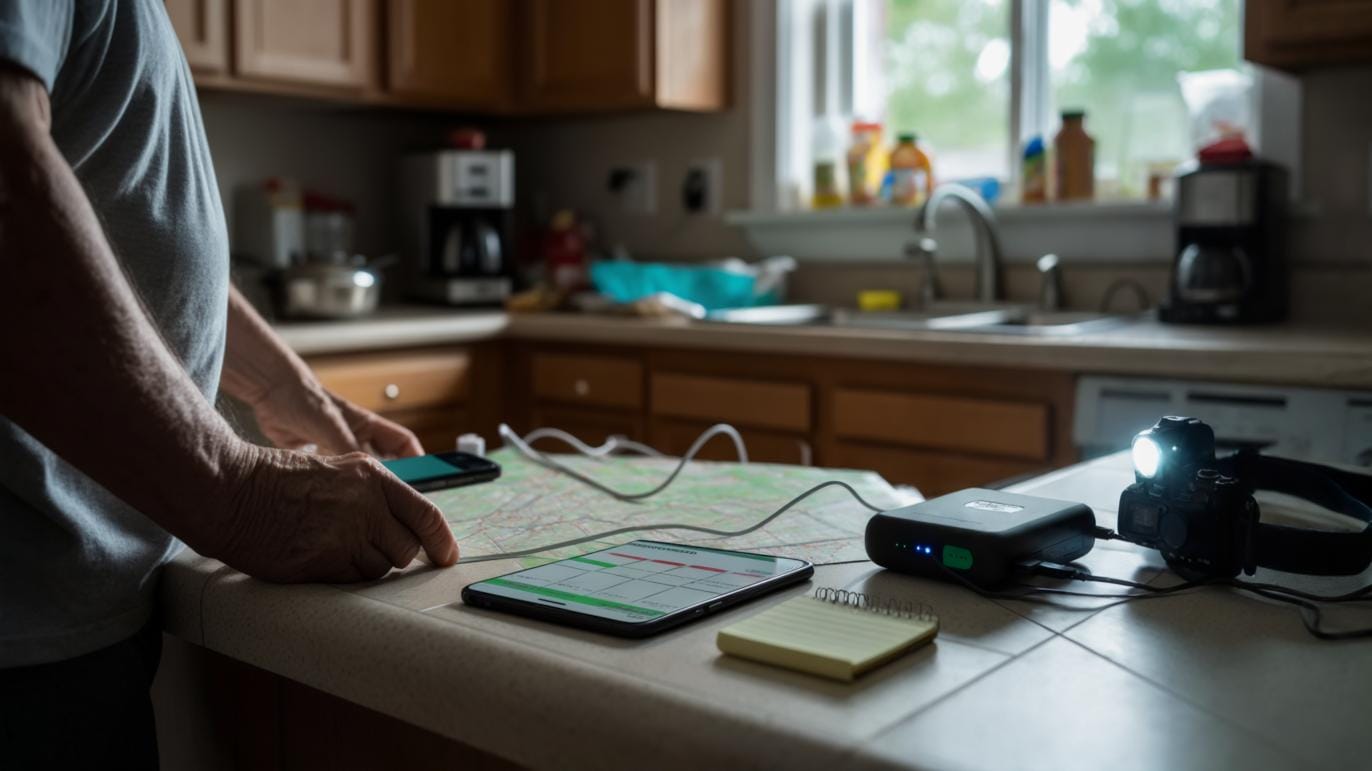
Do not use turn by turn navigation for hours unless you have charging. Instead, download offline maps ahead of time and use GPS only when you need a position fix. Check your position, confirm your route, then stop.
Use your camera strategically. Photos of maps, signs, or notes can save time later without needing screen time.
If you have a paper map and compass, use them as the default and the phone as a confirmation tool. That single shift can double your battery life.
Charging discipline that works in the field
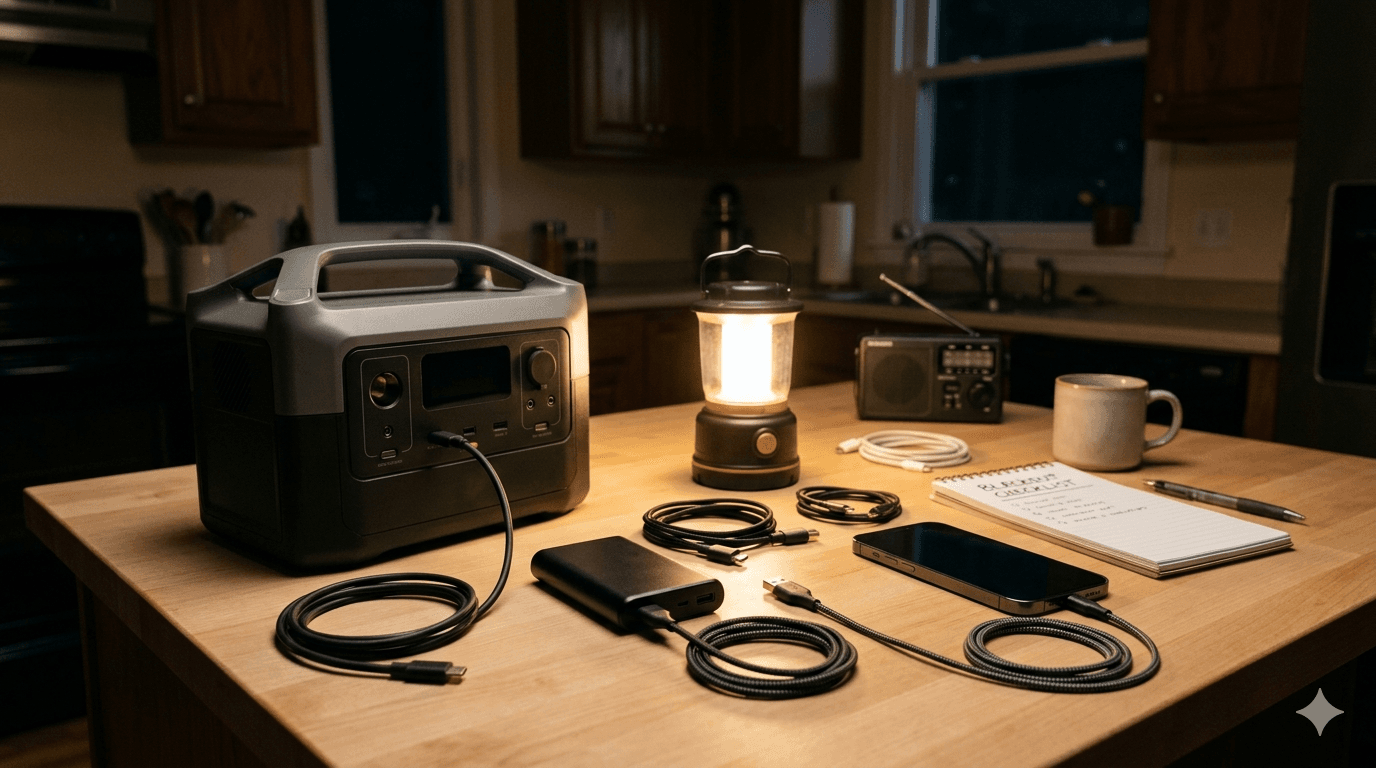
If you have power bank or solar, you still need discipline. If you are choosing backup capacity, compare a power bank with a portable power station before paying for more power than your essential devices need.
Charge in short sessions. Do not keep the phone plugged in all day while you scroll. Plug in, charge to a useful range, unplug, store. Most of the time, you want the phone between roughly 30 and 80 percent because it is a good balance of usable capacity and healthier battery behavior.
Use the most efficient cable and charger you have. Bad cables waste time and energy. Also, do not run hotspot from the phone unless you must. Hotspot is one of the fastest ways to drain a battery.
If you have two devices, stop trying to keep both alive equally. Pick the primary comms device and let the second become a backup that stays powered off.
A simple two list plan
If you remember nothing else, remember these two lists.
Do:
Low Power Mode early
Airplane Mode plus short comms windows
Low brightness and short screen time
Use text over calls when networks are congested
Offline maps and GPS only when needed
Protect the phone from heat and deep cold
Avoid:
Constant checking and scrolling
Hotspot unless critical
Weak signal areas unless necessary
Streaming video or audio
Keeping the phone charging while you use it
Your phone does not need to last forever. It needs to last long enough to get you through the most uncertain window. Battery discipline is not comfort. It is control.
Editorial note
This article is reviewed as practical preparedness guidance, not a substitute for professional emergency, medical, legal, or local-authority advice. Follow official alerts and local rules for your area.
Article recap
- Keep phones, lights, and radios powered before comfort devices.
- Never use fuel-burning equipment indoors or in enclosed spaces.
- Plan charging and refrigeration before the outage, not during it.
Sources and further reading
- Ready.gov: Power Outages — accessed Aug 2026
- CISA Cybersecurity Resources — CISA, accessed May 2026
- FEMA: Community Preparedness — FEMA, accessed May 2026
Read next

Questions readers askFrequently asked questions
Start by slowing the situation down: check for immediate danger, protect people first, and follow official or professional guidance where it applies. Then work through the practical steps in the article instead of trying to solve everything at once.
The biggest mistake is usually acting on assumptions. Do not rely on rumors, unsafe shortcuts, or gear you have never tested. Confirm the risk, use known-safe supplies or procedures, and get professional help when health, legal, fire, water, or life-safety issues are involved.
Comments
Leave a comment
No comments yet. Be the first to comment!