Collapse & conflict
How to Build a Household Emergency Reference Binder Anyone at Home Can Use
When the internet is down, the questions are usually small and specific. Where is the radio manual? Who do we call about the gas? What did the food-safety gu...
Quick answer
Choose a small set of current instructions your household would need without internet, each from its issuer and matched to your model, utility or area. Mark every page with its source and checked date, index pages by plain questions, confirm digital copies open offline, and ask someone who did not build the binder to find answers while power and an alert source stay on. Current alerts and official instructions always come first.
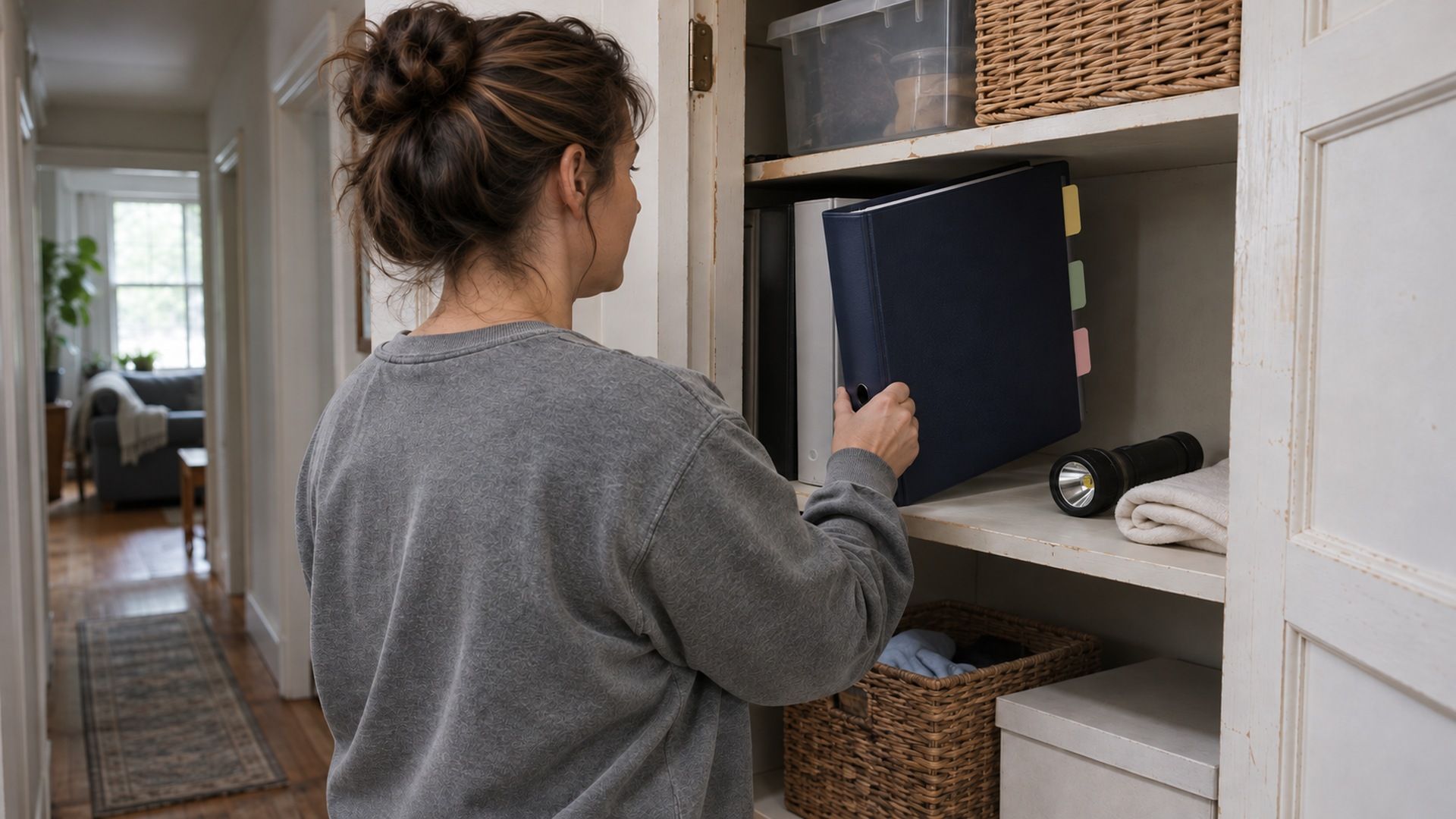
When the internet is down, the questions are usually small and specific. Where is the radio manual? Who do we call about the gas? What did the food-safety guidance say about a full freezer? A household emergency reference binder answers those questions on paper, for whoever happens to be home.
It is not a records file or a survival manual. It is a small library of current instructions from the people who issue them, labeled, indexed by everyday questions and tested so someone else can find the right page. Current alerts and local official instructions always override anything printed in it.
Decide which instructions earn a place
Start from what your household actually needs. If you have worked through your household's preparedness priorities, let that list choose the first tabs. Ready.gov's Make a Plan guidance recommends customizing plans to daily living needs, including medical equipment, access needs, languages and pets. Its power outage guidance adds a useful prompt: take an inventory of the items you need that rely on electricity.
Keep one rule: the binder holds instructions written by the people responsible for them. If a page would have to be invented or copied from an unknown website, leave it out and note the gap. Maps and contact sheets belong in a separate packet, covered in our guide to building a local emergency map.
Get each page from its issuer, then date it
For each question, use the source that owns the answer: local emergency management, your utility, the manufacturer of your exact model, or your clinician, pharmacist or equipment supplier. Match versions to what you have, such as your radio's model number.
Add a short header to each page: issuer, title, web address, the issuer's update date if shown, and the date you checked. The CDC page Keep Food Safe After a Disaster or Emergency, for example, showed an update of Nov. 24, 2025 when we checked. Let that page, or our guide to food safety during a power outage, do the explaining rather than copying thresholds into your index.
A recall can overtake a manual. The U.S. Consumer Product Safety Commission lists recalls and product safety warnings and offers recall emails. If a notice covers something you own, file it in front of the manual and follow that notice, since remedies differ.
Check what the issuer permits before printing. USA.gov's page on copyright and government works notes that federal website content may be subject to copyright or other restrictions, and that state and local government works may be protected. Use any download or print option within its stated terms, and do not share or republish copies beyond them.
Leave utility and medical steps to their owners
Keep utility and medical pages exactly as issued. Ready.gov's safety skills guidance suggests calling your gas company, which can help you prepare for gas service in an emergency. It cautions not to actually turn off the gas when practicing, and says that once gas is off for any reason, only a qualified professional can turn it back on. File the gas company's material and number without homemade steps. Ready.gov also suggests tagging the main water valve, so a location note fits here.
For powered medical devices, Ready.gov advises talking to your medical provider about an outage plan, and medicine storage questions belong with your clinician or pharmacist. The binder says where those plans are kept and never holds a household-written version. Keep care plans, diagnoses and account details in a separate private folder, since sitters or neighbors may read the general binder.
Index by the question someone will ask
A tab labeled “Appliances” or “CDC” makes sense mainly to its builder. Write the front index as plain questions, each pointing to a tab and page. Here is an example from a fictional household with a weather radio, a gas furnace and a member who uses a powered medical device.
The power is out and the freezer is full. Tab 2, page 1: CDC food safety page, issuer date Nov. 24, 2025, checked this month.
The radio will not pick up the local station. Tab 3, page 1: manual for our radio model, with the station card.
Who do we call about the gas? Tab 4, page 1: gas company sheet and number. Do not practice the shutoff.
Where is the water main valve? Tab 4, page 2: location note matching the tag on the valve.
Where is the hallway alarm's maintenance information? Tab 5, page 1: manual for the hallway alarm model, recalls checked this month.
Where is the medical device plan? Private folder in the desk drawer, not in this binder.
The index points to instructions and places, never to paraphrased procedures or diagnoses.
Make sure digital copies really open offline
Paper is the primary copy. A phone or laptop copy helps only if it opens without a connection; seeing a file name or cloud shortcut is not proof. Google's computer guidance on using Drive files offline describes preparation and storage requirements, and warns that disconnecting an account removes offline streamed files.
Other apps behave differently, and we cannot promise how any of them work. Check your app's help and save files to the device. Then, with another alert source left on, turn off Wi-Fi and mobile data on that one device, open each file and scroll to the page the index names. Reconnect afterward. Retest after app updates or a new phone, and remember others may open files on a shared device.
Run a find-the-page test
Ready.gov recommends practicing your plan with your household. Here, that means seeing whether someone who did not build the binder can find the right page. Checking equipment is a separate job, covered in our guide to testing a power outage kit without turning off the power.
Step 1. Tell everyone at home. Leave household power, refrigeration, heating or cooling, alarms and medical equipment running, and keep at least one alert source, such as a weather radio or another phone, on and receiving.
Step 2. Write four or five question cards in everyday words that differ from the index, such as “The radio is just hissing” or “The freezer has been off since this morning.”
Step 3. Hand the binder and the test device to the tester. Turn off Wi-Fi and mobile data on that device only.
Step 4. Read one card aloud. The tester finds the page without hints and points to the answering line. Note found, found slowly, wrong page or not found. Any timing is for notes, not a score.
Step 5. For gas, water, electrical or medical questions, the tester only finds and reads the page. Nobody touches a valve, breaker or device, and nobody acts out a medical step.
Step 6. Reconnect the test device and confirm it is receiving alerts again.
Step 7. Fix what failed. If the tester looked for “hissing,” add that word to the index. Move hard-to-reach pages, then retest only the failed questions.
Keep it current without starting over
Replace a page when its issuer updates it, and remove the old copy. Revisit relevant tabs after a move, a new appliance, a utility change or a change in someone's care plan.
Ready.gov's Build a Kit guidance suggests rethinking your needs every year and updating your kit as they change. Reviewing the binder alongside your kit is our practical suggestion, not an official binder timetable: compare header dates with issuers' current pages, check recalls and rerun two or three question cards.
In an emergency, local alerts, official instructions and emergency help come first. The binder covers the smaller questions in between.
Editorial note
This guide covers choosing, dating, indexing and testing reference copies of household instructions. It does not replace current alerts, utility or manufacturer instructions, individual clinical advice or emergency help. Sources are U.S.-based; outside the U.S., use your local authorities' equivalents. The example household is fictional.
Article recap
- Use instructions from the issuer that match your model, utility or area, and write the issuer's update date and your checked date on every page.
- Index pages by the plain questions people ask, keep private care plans in a separate folder, and never add homemade utility or medical steps.
- Test with someone who did not build the binder, one device offline and household power and an alert source left on. Fix the index, then retest.
Sources and further reading
- Ready.gov: Make a Plan
- Ready.gov: Build a Kit — Ready.gov, accessed Aug 2026
- Ready.gov: Power Outages — accessed Aug 2026
- Safety Skills — Ready.gov (FEMA), accessed Nov 2026
- Keep Food Safe After a Disaster or Emergency — Centers for Disease Control and Prevention, accessed Oct 2026
- Use Google Drive files offline — Google Drive Help, accessed Nov 2026
- Recalls & Product Safety Warnings — U.S. Consumer Product Safety Commission, accessed Nov 2026
- Copyright and government works — USA.gov, accessed Nov 2026
Read next
Questions readers askFrequently asked questions
Current instructions your household might need without internet, taken from the people who issue them: local emergency management, your utility and the manufacturers of the models you own, plus a note saying where any private care plans are kept. Index the pages by plain questions. Personal records, maps and contact sheets are better kept in separate packets.
Write the issuer, web address, the issuer's own update date if shown and the date you checked on each page. At each review, compare it with the issuer's current page, check for product recalls, and replace outdated pages rather than keeping both. Current alerts and official instructions override any printed copy.
Keep individual care plans, diagnoses and account details in a separate private folder, and let the general binder note only where that folder is. Plans for powered medical devices and medicine storage should come from the clinician, pharmacist or equipment supplier, not be written by the household.
Check the issuer's permissions first. According to USA.gov, content on federal websites may be subject to copyright or other restrictions, and state and local government works may be protected. Use a site's download or print feature within its stated terms, and do not share or republish copies beyond those terms.
Comments
Leave a comment
No comments yet. Be the first to comment!